
We ship domestic and international! All orders are fulfilled Monday through Friday, excluding weekends and holidays. Orders take 1-3 business days to process after order confirmation. All orders outside the US will attract Customs Charges, Import Duty, Sales Tax, VAT, that will be a responsibility of the buyer.
PMU Portfolio. Making and Editing Content.
Title: Price
Description
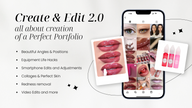
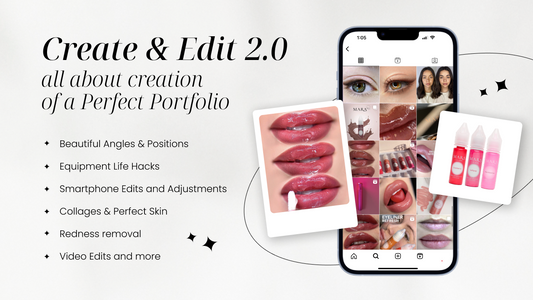
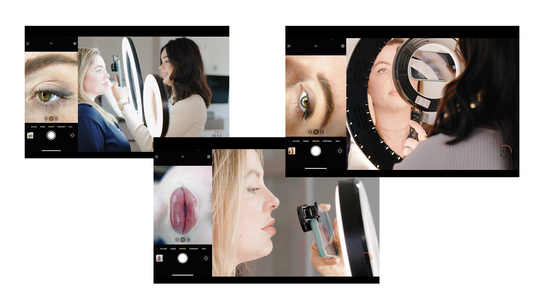
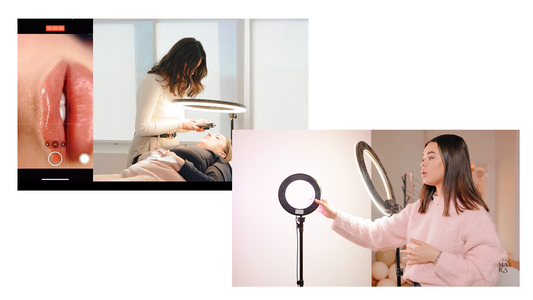
The PMU Portfolio. Making and Editing Content course is a comprehensive training for PMU artists on capturing stunning images and videos of their work. It covers everything from equipment setup to specific techniques for photographing lips, eyes, brows, and full-face shots. You'll learn how to position your clients and use cinematic camera techniques to create professional, high-quality content that enhances your portfolio and attracts more clients.
Duration: 2 hours of video content
Lessons: 27
Course Overview:
Elevate your PMU portfolio with this comprehensive guide to taking and editing photos and videos. This course is perfect for artists looking to refine their visual content and attract more clients. The course includes:
Module Highlights:
• Taking Photos & Clips: All Tips Revealed
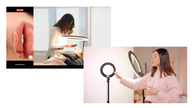
• Equipment Setup: Optimal gear for capturing high-quality images and videos
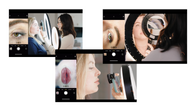
• Lips: Techniques for standing and glossed shots, plus macro shots while laying down
• Eyes: Tips for both standing and laying down positions
• Brows: How to photograph brows from different angles
• Full Face: Methods for capturing full-face shots both standing and laying down
• Cinematic & Camera Techniques: Advanced tips for adding a cinematic touch to your content
• Choosing Photos:
• Creating blended collages for lips and brows
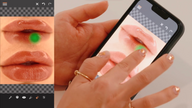
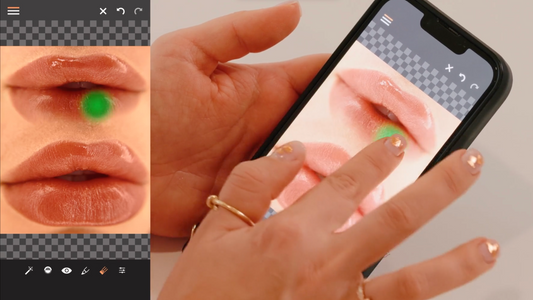
• Editing techniques for skin and color correction
• Additional effects and bonus tips for consistent collages
• Technical Settings:
• iPhone photo settings and content optimization
• Resources:
• Shopping list for photo equipment
• List of apps with written instructions
• Products used in class
With 27 lessons and 2 hours of video content, this course provides all the tools and techniques you need to create professional, eye-catching content that will set your PMU portfolio apart.
Included Materials:
• 2 hours of video content
• Printable Slides
• Shopping Guide
Skill Level Required: none
Just a few left. Order soon.
Unavailable